
FOR IRRIGATION CONTRACTORS
Track irrigation parts from truck to job.
Record irrigation parts and pipe lengths by job. Track equipment checkouts and review recorded material usage and returns.



Built by a contractor who stocks his own material.
Keep your existing field service software. See supported integrations for automatic syncing.
Track the details that matter for irrigation.
Materials and equipment: Valves, sprinkler heads, pipe, controllers, fittings, and trenchers.
Parts and pipe
Record irrigation parts by SKU and pipe lengths in feet.
Equipment checkout
Record who has the trencher or other equipment and when it is due back.
Truck minimums
Review recorded quantities for common heads, fittings, and consumables.
Estimate an annual amount from your inputs.
Estimated annual amount based on your inputs
$7,800
Example inputs: adjust for your business. This is an input-based estimate, not measured loss or guaranteed savings.
Record it and review it in InventoryHQ.
Stock
Stock trucks with minimums.
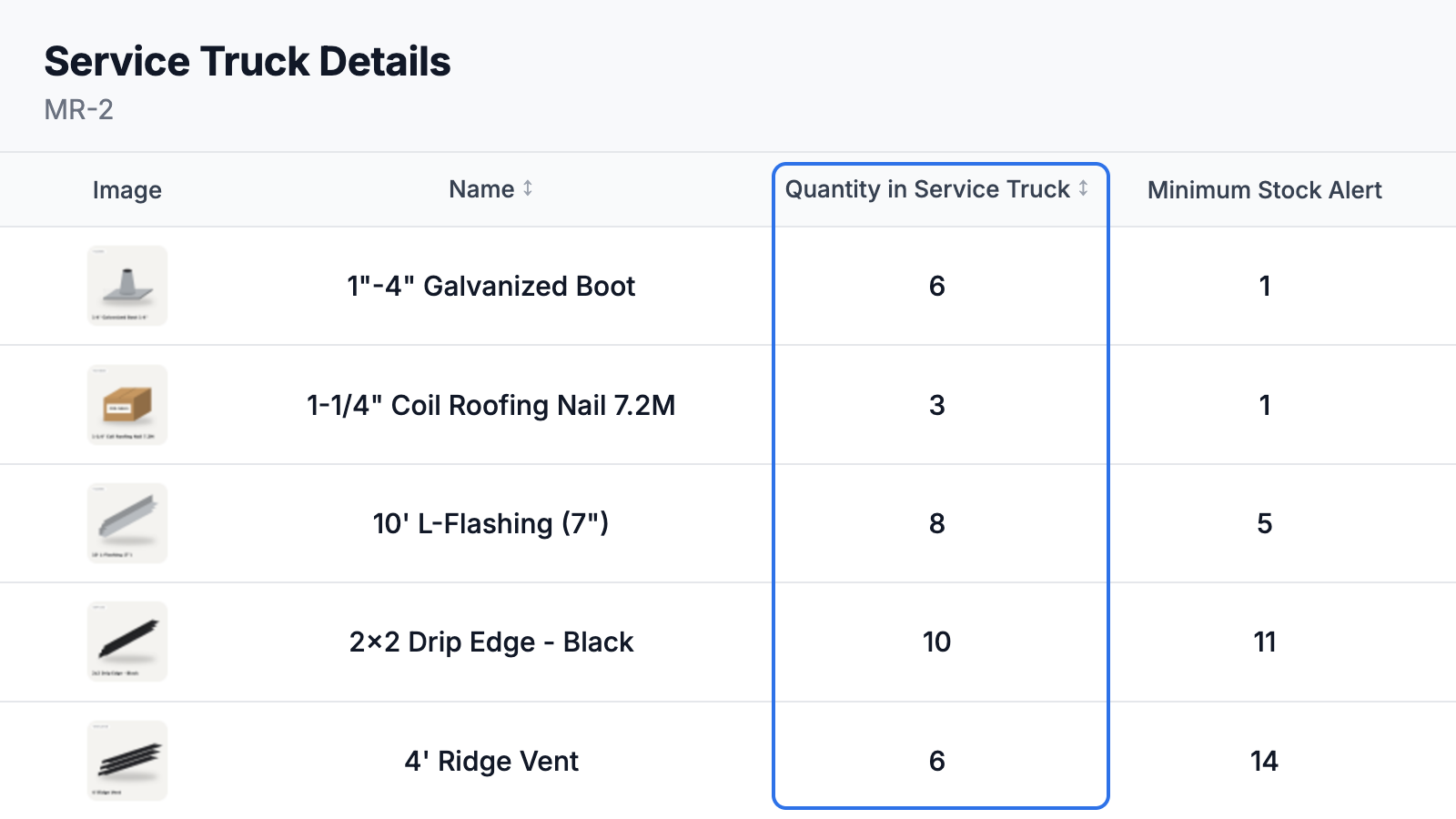
Pull
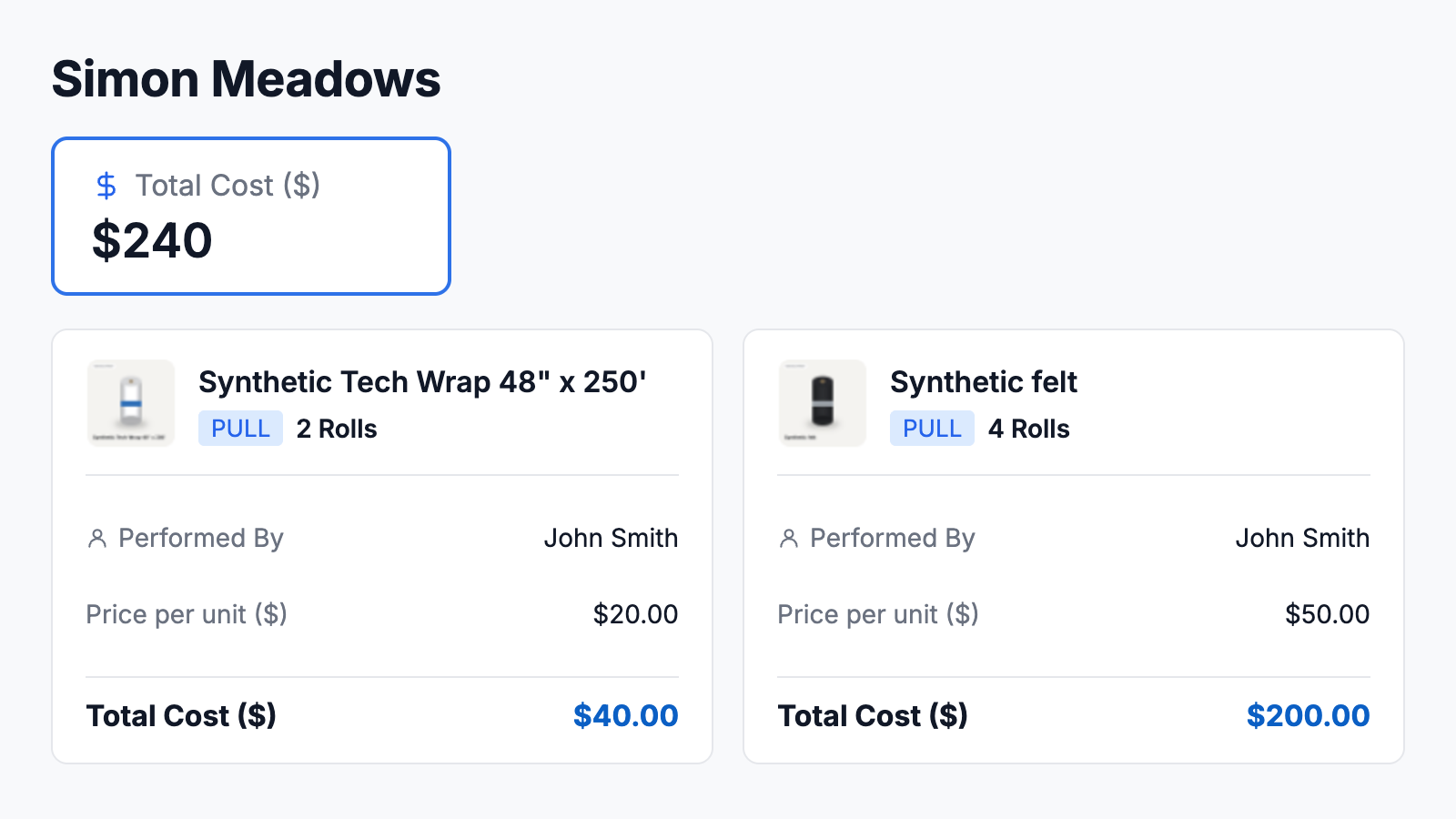
Pull to the job. Record equipment checkouts with the person, job, signature, and due date.
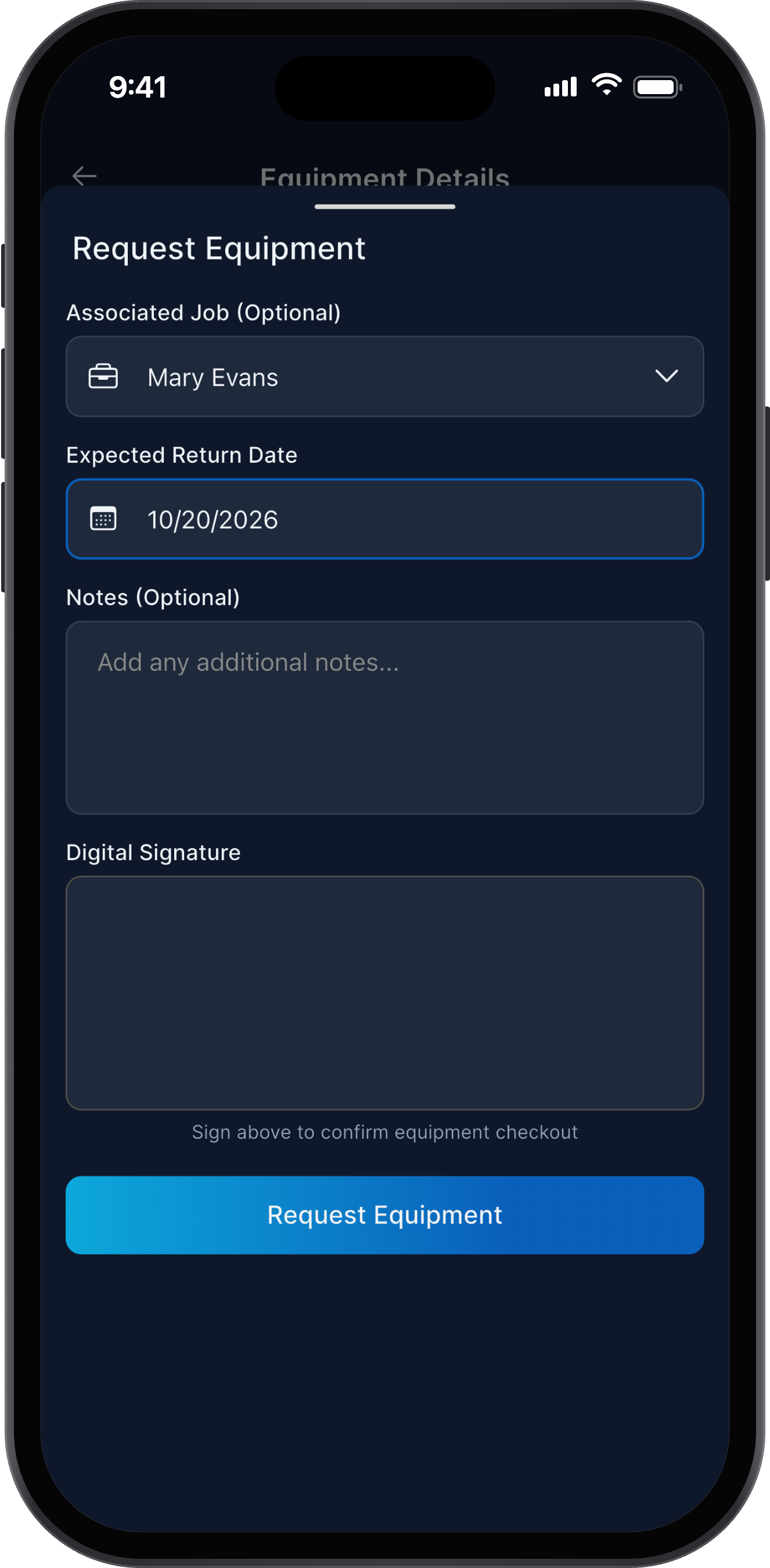
Check out
Check equipment out to your field team. The office reviews recorded activity and compares material costs with the estimate.
Common irrigation questions.
- Can I use InventoryHQ alongside my CRM?
- Yes. Use InventoryHQ to record material activity alongside your field service software. Separate systems do not automatically sync; check supported integration details before connecting them.
- Can I track pipe by the foot?
- Record quantities using a configured unit appropriate to pipe by the foot, and record usage and returns in that same unit.
- How does the field record materials?
- Scan the QR label, choose the job, and enter the quantity pulled or returned. The office reviews the recorded activity before approval.
- Do I need barcode scanners?
- No. Your team uses their phone camera. Print QR labels from InventoryHQ on any printer and stick them on bins, shelves, and truck racks.
- Can you set it up for us?
- Yes. Setup includes loading your material list, locations, and team. Start with a recording routine and review activity with the office.