
FOR PRODUCTION MANAGERS
Review truck stock and material costs by job.
Plan material pulls, record returns, and give the office a clear job record.
No credit card required

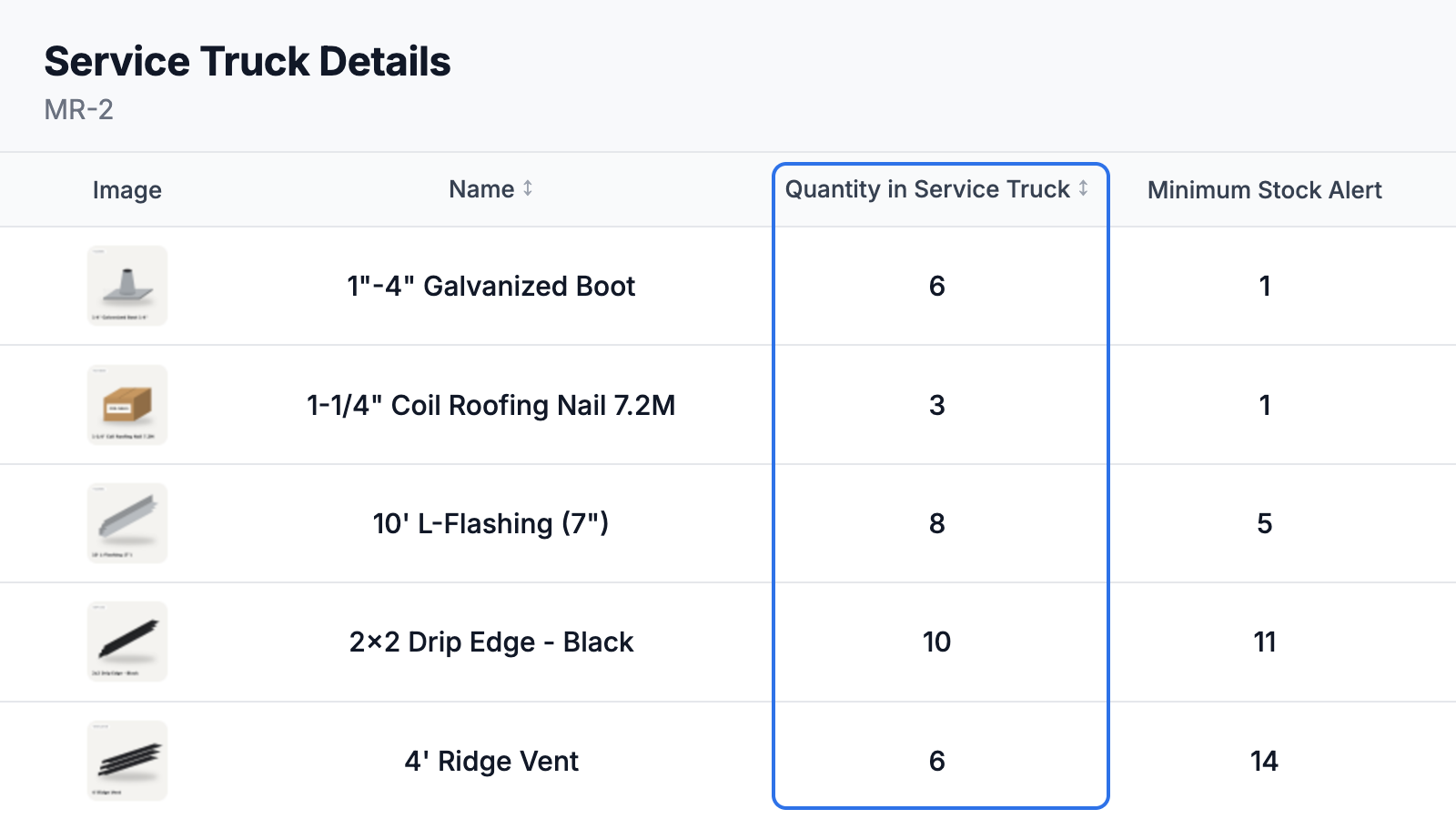
Review truck stock before loading.
Check recorded quantities and stock minimums across the shop and trucks. Compare availability with the materials needed for the job.
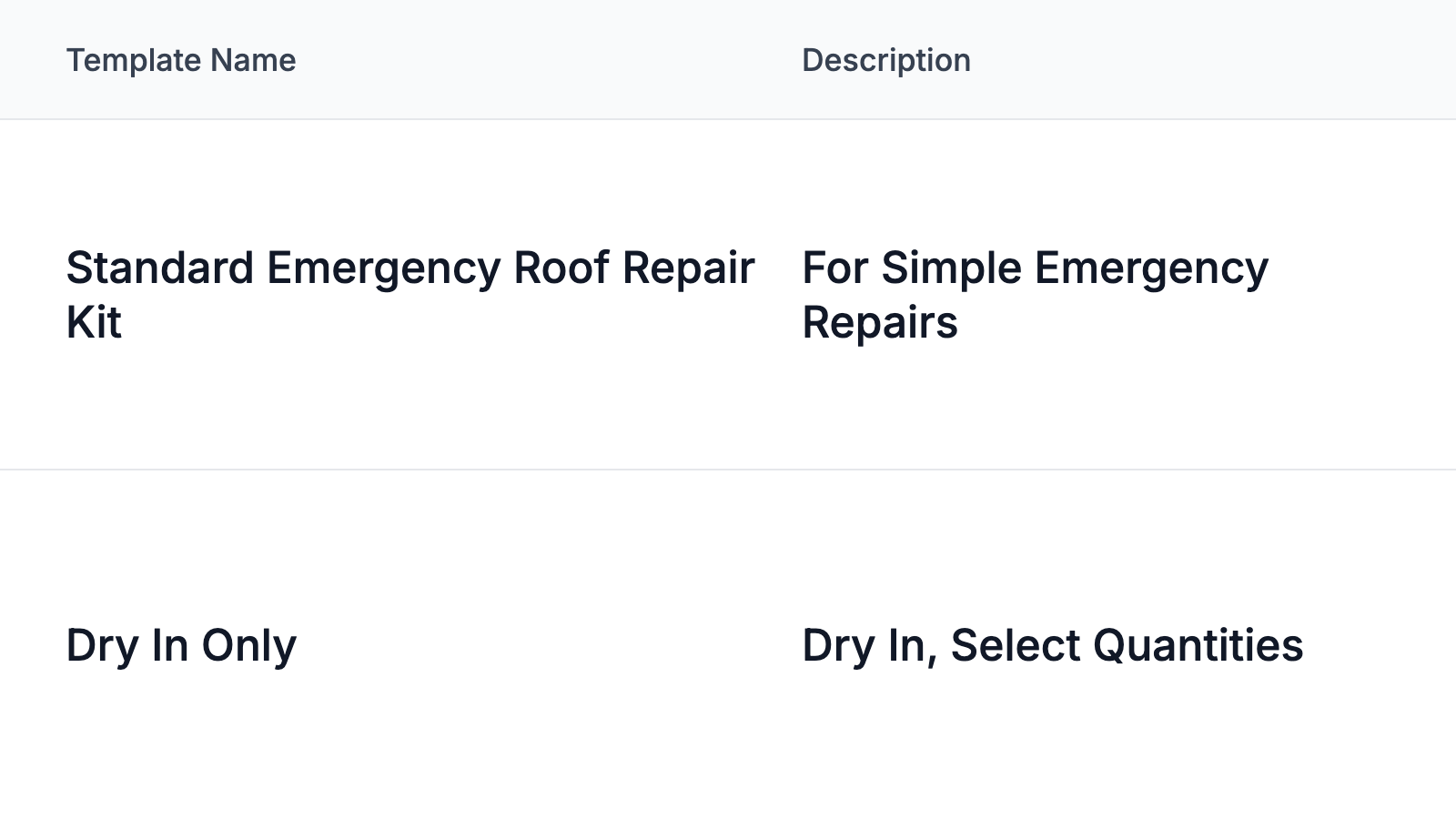
Record job kits and returns.
Use material templates for recurring jobs. Choose the job, record quantities pulled, and record unused materials returning to stock.
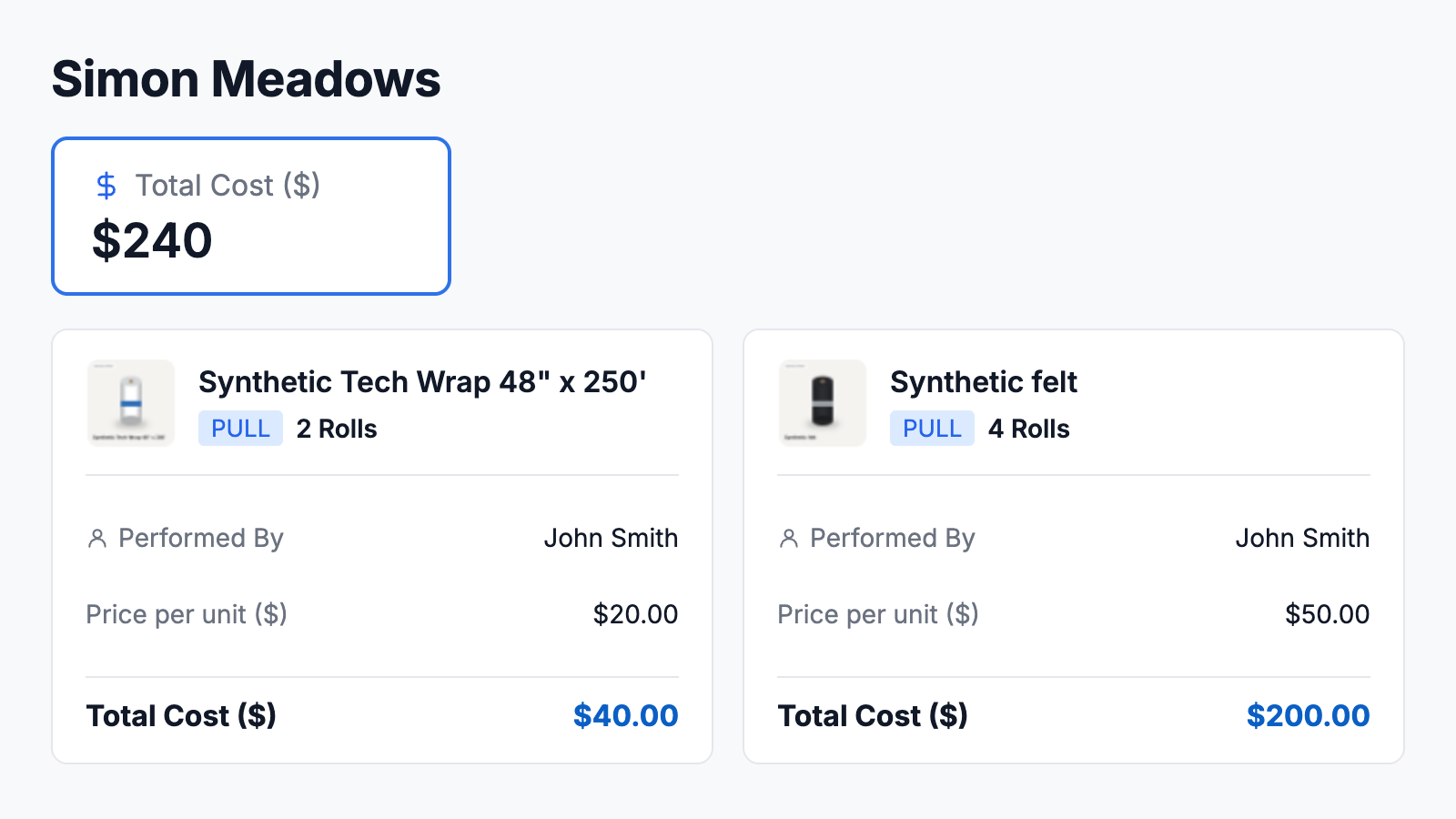
Review material activity by job.
Check recorded quantities and material costs before office approval. Follow up on missing records or differences from the estimate.
What to review during your first 14 days
Start with one team or location and see where the shared record makes your day easier:
- ✓Can you check available stock without calling around?
- ✓Can your team spot missing materials before leaving?
- ✓Can you find returned materials for the next job?
A COMMON QUESTION
Will this add more work to my day?
Start with one team or location. Record materials as they are received, used, or returned, then compare that routine with the calls and manual checks it replaces.