
GUIDE
Construction Site Inventory Management: A 6-Step Guide
Manage construction site inventory by naming storage locations, counting opening stock, and recording deliveries, transfers, job usage, and returns. Use those records to review each job's material cost against its estimate.
Follow the six steps below, then use the responsibility table to decide who records each movement and when. The process works with paper records or software.
Published September 14, 2026. Last updated October 24, 2026.
Start 14-day trialNo credit card required
A six-step process that holds up in the field
- 01
Name every place material sits
The shop, each rack or bay inside it, every service truck, and each active job. A location that has no name cannot hold a count, and material parked in an unnamed spot is the material that goes missing.
- 02
Count once, properly
Pick a day with no deliveries and count the shop and every truck. This opening count is the baseline everything after it is measured against, so it is worth doing slowly and in full.
- 03
Record receipts at the door
Material gets recorded when it arrives, against the supplier ticket, not from the invoice weeks later. Quantity short or damaged gets noted then, while there is still something to do about it.
- 04
Move material to a job, not into the void
Loading a truck or dropping direct to a site is a transfer between two named locations. The material is still yours and still on the books, it has only changed place.
- 05
Record usage and returns the same day
What went on the roof is consumed against the job. What comes back goes to the shop or stays on the truck. Unrecorded returns can cause counts to drift.
- 06
Reconcile cost against the estimate
Once usage is recorded per job, compare actual material cost to what was estimated. Use differences as a starting point for review with your team.
Who records what, and when
| Location | Who records it | When | What gets recorded |
|---|---|---|---|
| Warehouse or shop | Shop lead or whoever receives | When the delivery arrives | Item, quantity, supplier ticket, shortages or damage |
| Service truck | The driver loading it | When material is loaded or unloaded | Item, quantity, from and to location |
| Job site | Field lead on the job | The day material is installed | Item, quantity used, job name |
| Returns | Field lead or driver | The day leftovers come back | Item, quantity, where it went back to |
| Office | Owner or bookkeeper | When the job closes | Actual material cost compared to the estimate |
Where the process usually breaks
Returns never get recorded
Leftover material goes back on the rack without a record, so the count says you need to buy what is already sitting in the shop.
Trucks are treated as a black hole
Once material leaves the shop it disappears from the books. A truck is a stocking location like any other, and it needs its own count.
Recording happens in the office
If the office enters movements from paperwork days later, the count can lag behind the work. The person handling the material records it.
Common questions
- How do you manage inventory on a construction site?
- Give every stocking location a name, count what is there once, then record every movement: what is delivered, what is loaded on a truck, what is used on the job, and what comes back. The count only stays accurate if returns are recorded with the same discipline as issues.
- How often should material be counted?
- Choose a count schedule based on material movement, value, and discrepancies. Quarterly full counts and more frequent spot counts can be a starting point, not a universal rule.
- Who should be responsible for site inventory?
- One person per location owns the count, but the people handling material record the movements. Ownership without field recording leaves the count perpetually behind.
Run the process without the paperwork.
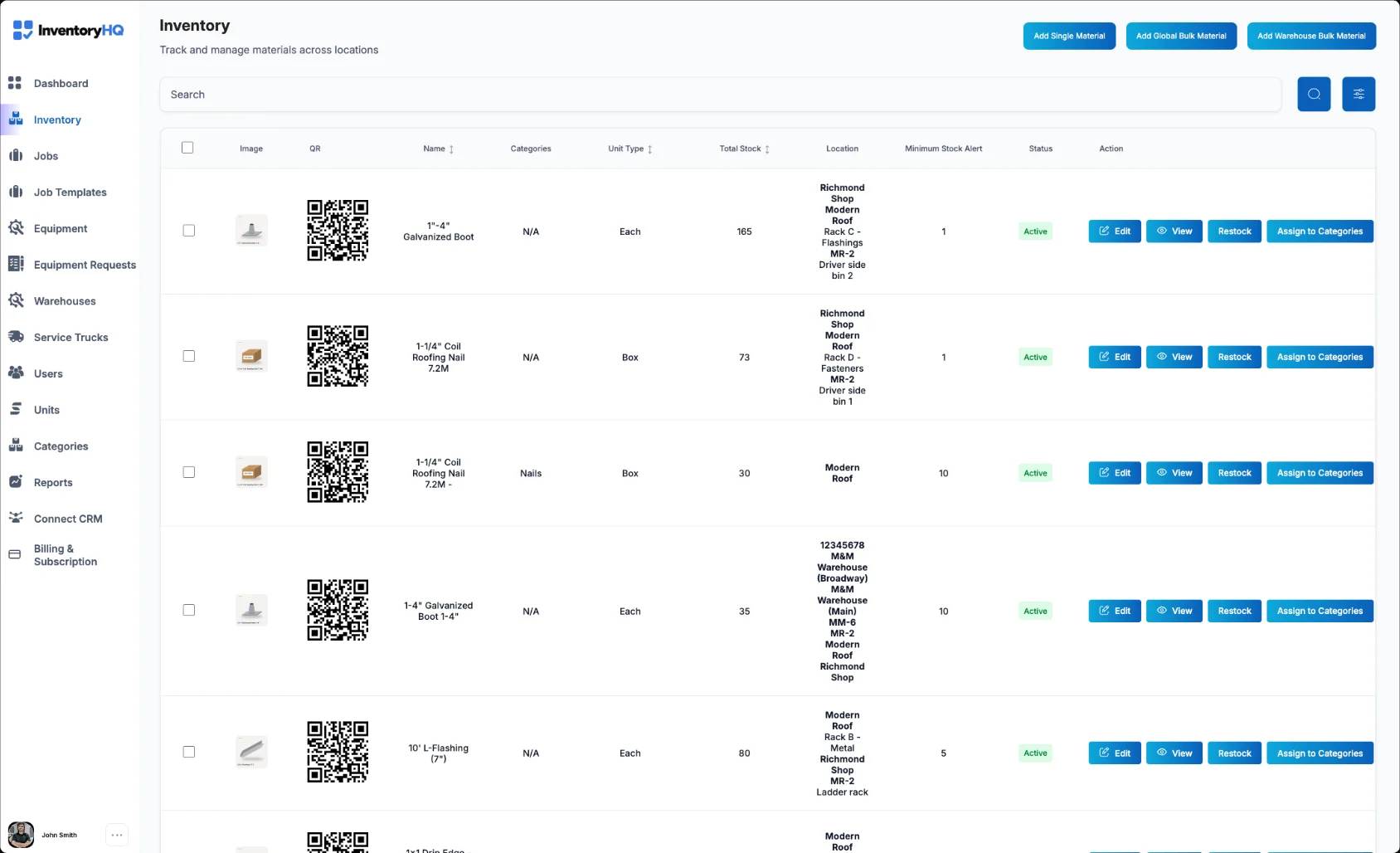
InventoryHQ keeps the shop, every truck, and every job in one record, so counts, transfers, returns, and job cost stay in the same place.
Start 14-day trialNo credit card required